Changelog

Follow new updates and improvements to Sound Alerts.

Crystal Ball Streamer Widget
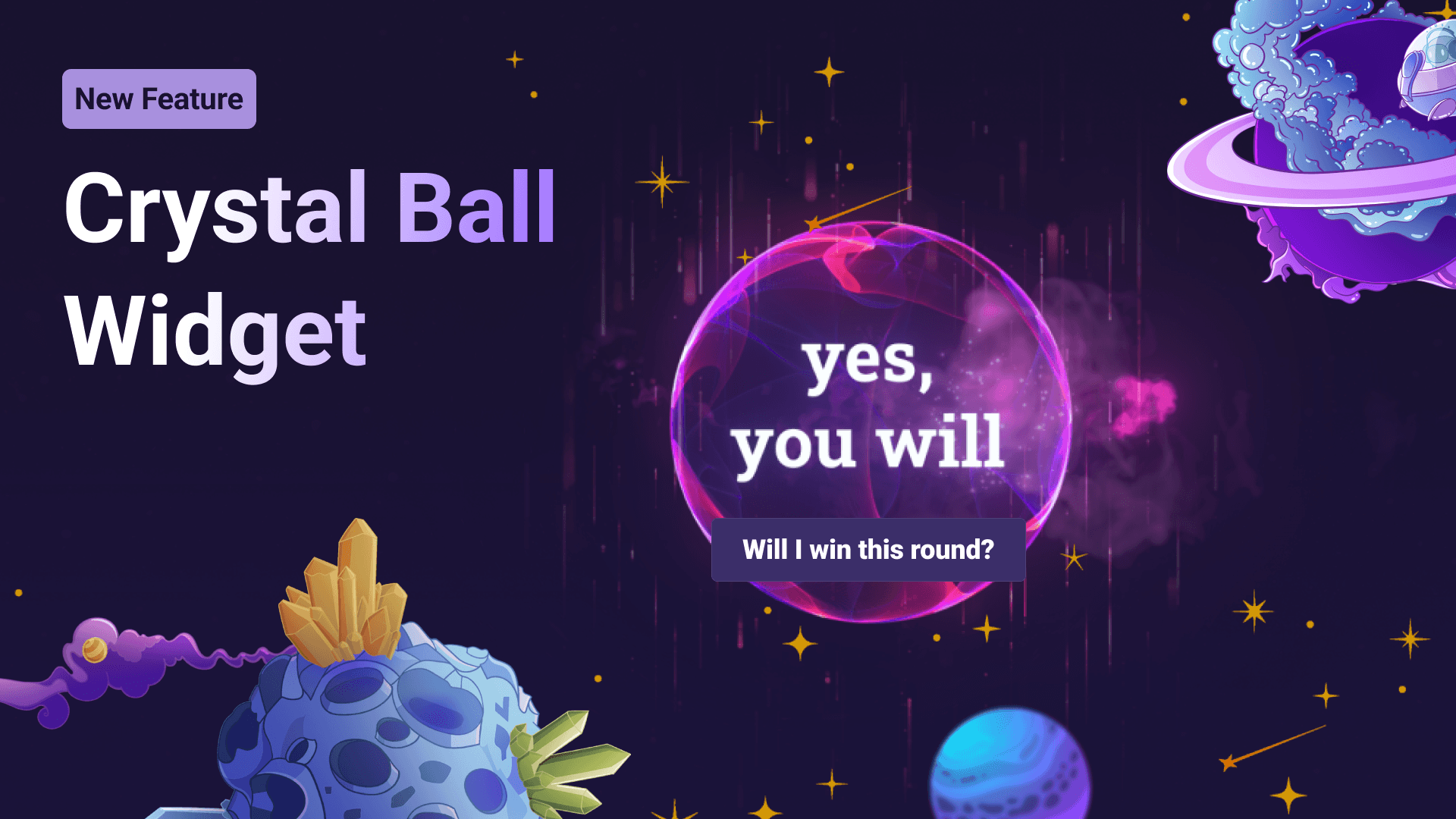
Our newest addition to the Scene Editor lets your chat ask everything they are curious about, while the omniscient crystal ball will deliver answers in a dynamic Twitch overlay. Get started in the Scene Editor here. 🔮

  • Works with dedicated Twitch commands

  • Add your own list of answers or text flavoring

  • Enable it for Mods or Subs only

New

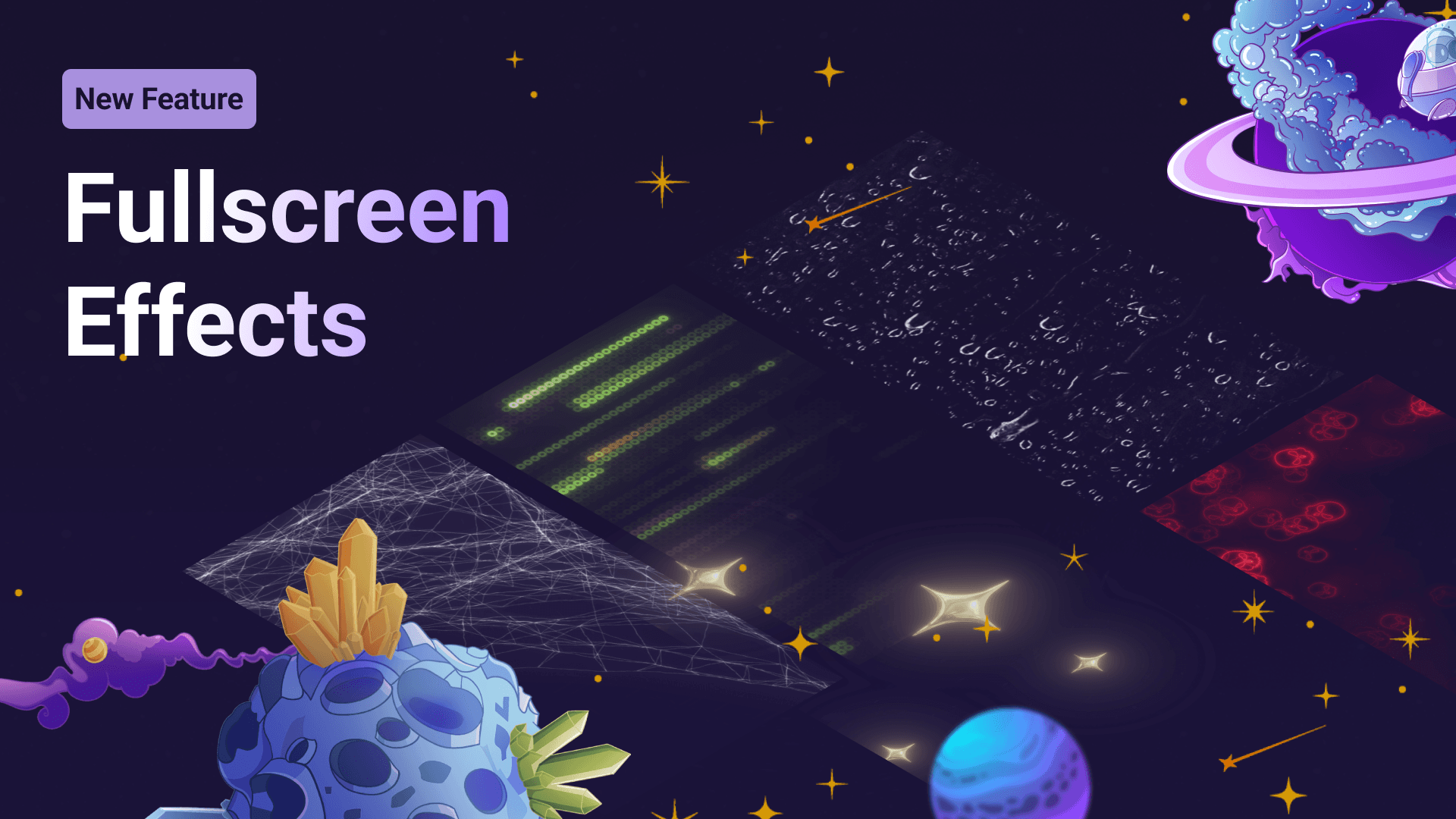
Fullscreen Effects

We are thrilled to announce another significant addition to your alert visuals. With Fullscreen Effects, you can add visuals that cover your entire screen to any alert type. Browse through your favorite memes, shiny animations, or the biggest Sub Gift celebration you have seen yet. 🤩

  • Fully compatible with all alert types (Channel Points, Extension Bits, Tips, Coins, Follows, Subs, etc.) ✅

  • Simply add them via the alert settings on the right.

New

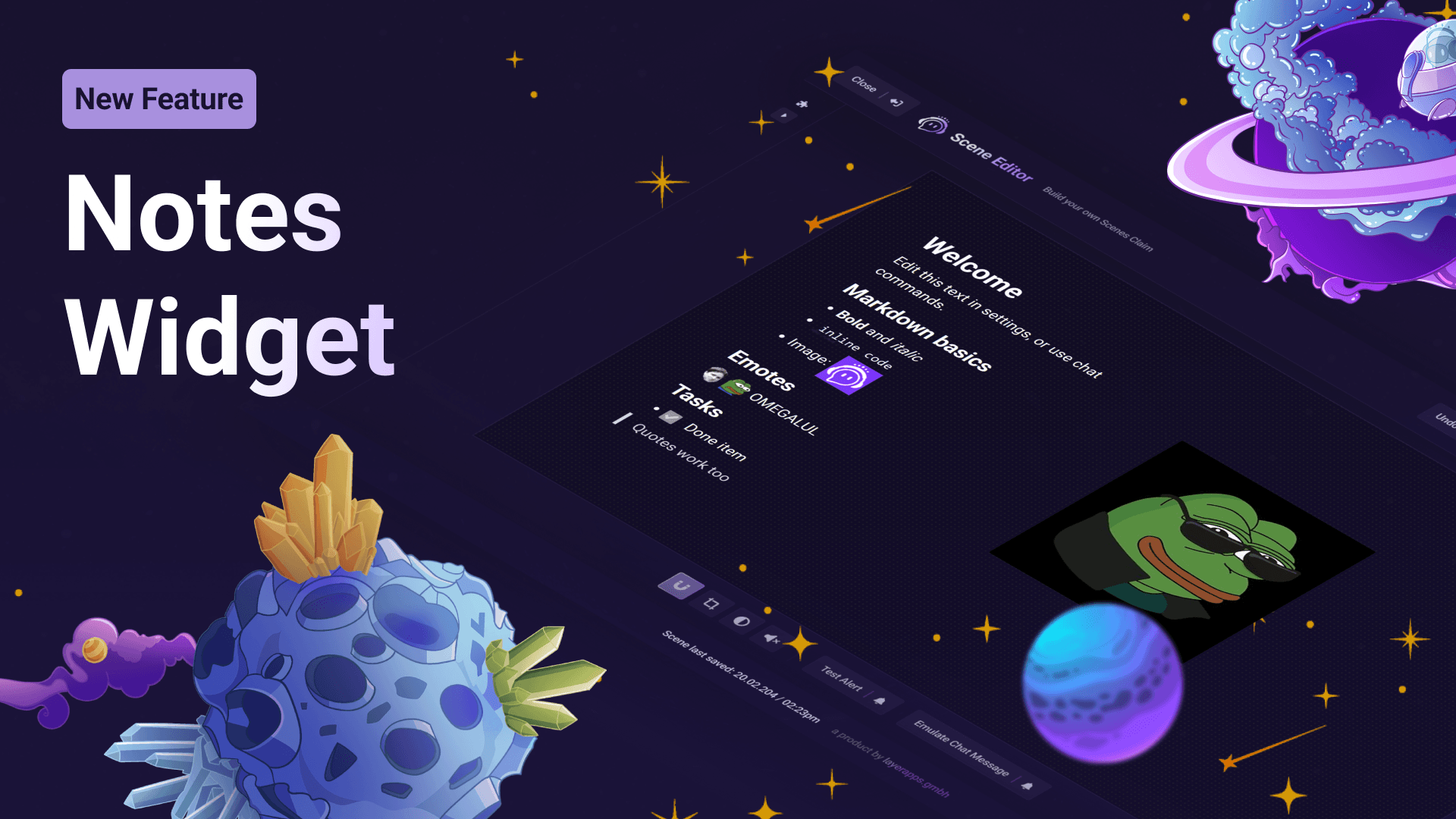
Notes Streamer Widget

The newest addition to our Scene Editor is here: Using the Notes widget, you and your mods can display almost any type of information (text, images, emotes, lists, etc.) in a clean stream overlay. The perfect way to display some quick visuals or info in the stream. Get started here.

  • Can be edited in the Scene Editor or via chat commands 📝

  • Custom CSS and many visual customization options available 🎨

New

Earlier updates